
Mobile casino
Playing on a small screen without mistakes
Stake buttons, lobby filters and the settings worth changing on a phone.
Updated 2026 · Mobile casino · Guide
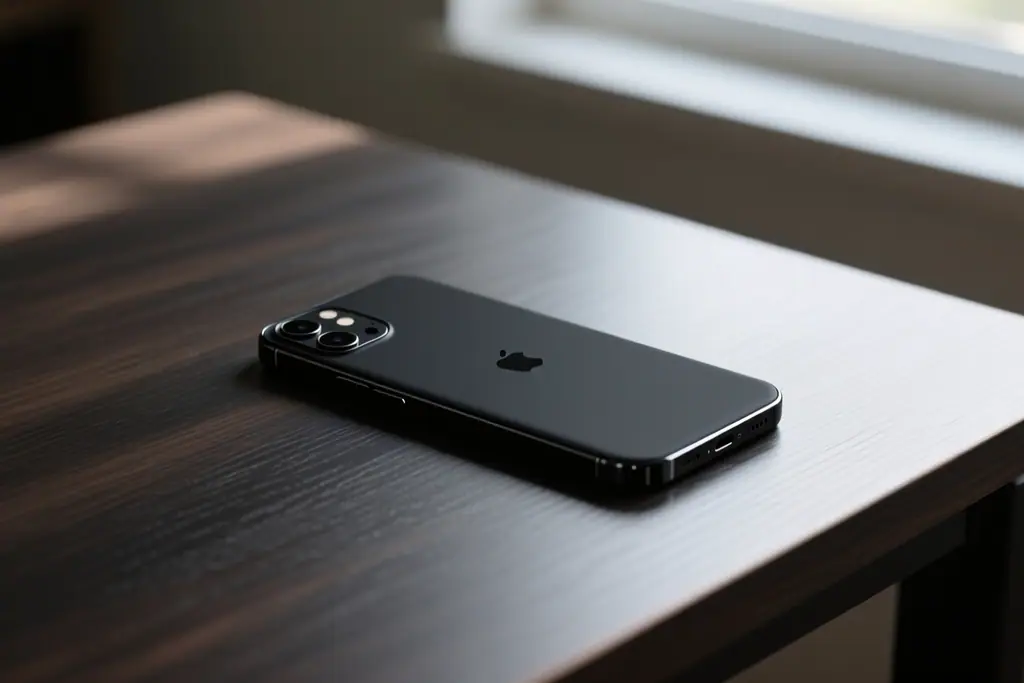
On a phone, a casino reaches you in one of two ways: through the browser or through an installed app. Both can run the same account and the same games, and most of the differences sit in how each is installed, updated and kept stable. Choosing between them is less about features and more about how you use the device. This guide compares the two so you can decide with your eyes open.
Neither option is universally better. A browser needs no installation but depends on a live connection, while an app can feel smoother yet asks for space and updates. The right choice depends on how often you play and how much you value convenience. Check what the operator supports before deciding, because the available routes are confirmed in the operator's official terms.

A browser needs nothing installed, which means you can open the site on any phone without preparing it first. Nothing is added to the device except a cache, and closing the tab leaves little behind. That makes the browser the natural choice for occasional or one-off visits. It also means no version to manage and no storage to reclaim.
An app has to be installed from an official source before it will run, and that source matters. A download from a link in a message or a third-party page is a risk, because the file may not be the one the operator published. Always use the official store listing or a link from the operator's own site, and check the publisher before installing. Updates should then arrive through the normal channel rather than from a random advertisement.
An app usually holds a session more reliably because it runs in its own dedicated container. Switching to another app and back tends to resume where you left off rather than reloading a page. That steadiness matters during a long session or a live table where every moment counts. It comes at the cost of a process that can still crash or be closed by the system to save memory.
A browser is more exposed to interruption. Backgrounding a tab, losing signal or opening too many pages can cause a reload, and a reload may end a live round. On the other hand, a browser recovers easily, because reopening the site restores access without reinstalling anything. A steady connection reduces the difference between the two.
An installed app takes up space and may ask for permissions it does not strictly need. Each permission it requests is worth reading before you agree, and anything unrelated to playing can usually be refused. Removing an app later clears its data, which is a point in its favour if you like a clean device.
A browser leans on shared storage with every other site you visit, so a single compromised page can matter more than it would inside a sealed app. Keeping the browser updated and avoiding public networks reduces that exposure. On a shared or borrowed phone, the browser is also easier to use without leaving a permanent app behind.
The decision often comes down to frequency and trust. The more you play, the more an app's stability is worth the space it takes. The less you play, the more a browser's zero footprint makes sense.
| Factor | Browser | App |
|---|---|---|
| Setup | None, open the site and play. | A download from an official source. |
| Updates | Handled by the site itself. | Installed updates you should keep current. |
| Session | Can reload if a tab is backgrounded. | Usually resumes more smoothly. |
| Storage | Leaves only a small cache. | Occupies space on the device. |
| Privacy | Shares the browser's storage. | Kept inside its own container. |
Whichever route you choose, the account itself needs protecting. Use a strong and unique password, enable any extra login step the operator offers, and never let another person hold your credentials. Log out when you finish, especially on a device you do not own. These habits matter more than the choice between a browser and an app.
Keep the operating system and the browser or app updated, because updates close the gaps that attacks rely on. Avoid public networks for anything involving money, and treat a sudden login prompt as a reason to pause. If something feels wrong, change the password first and ask support afterwards.
Playing on either platform carries the same risks, so set a deposit limit and keep to your budget regardless of the route you pick. Decide what a session may cost before you open the game, and stop once that amount is spent. This guide is independent information, the age limit is 18+, and the supported options are always confirmed in the operator's official terms.
More guides in the same section.
Stake buttons, lobby filters and the settings worth changing on a phone.
What live tables cost in data and how a weak signal affects a session.
Extra steps mobile banking adds and how to avoid verification delays.